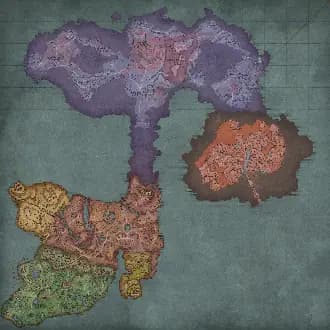
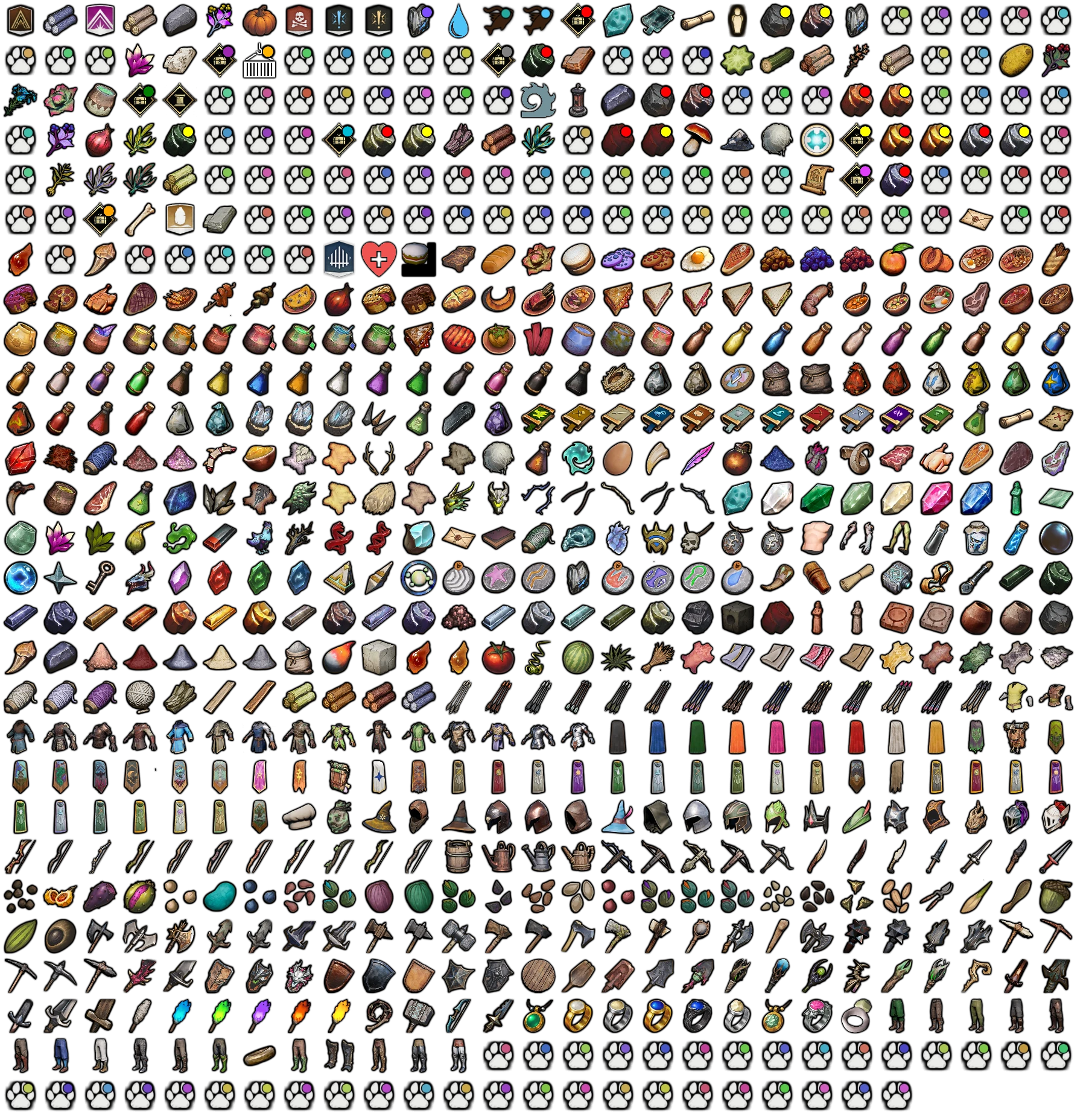
I added a full Database for Dragonwilds, so you can browse the game's items and crafting. Please give me feedback:
https://dragonwilds.th.gl/db/inventory
Map Filters
I also added new map filters, mostly across Umbral Sands and Dowdun Reach:
Rod & Net Fishing Spots
Yew Trees
Cacti and Desert Weed
Salvage Hotspots
Languages
The whole database and map are now translated into 9 languages (English, German, Spanish, French, Italian, Japanese, Korean, Portuguese and Simplified Chinese).
The map is updated for the Umbral Sands release, with the new desert region added so you can find everything in the sands the same way as the rest of the world. New in this update:
New enemies: Kalphite Workers, Soldiers and Guardians, the KotHaar (Hur, Ket, Xil, Kal and Tok-Xil), plus desert wildlife — Vultures, Goats, Desert Devil Kebbits and a Lesser Red Dragon.
New resources: Gypsum and Sandstone nodes, Adamantite (Medium and Large), more Coal, and additional Rune Essence and Rune Essence Geysers.
New points of interest: the Nightmare Crucible, Health Shrines across the desert, and Tier 7 loot chests.
That is 20 new marker types and about 780 more markers overall (37,417 to 38,193), all searchable and filterable like the rest of the map.
2026年6月12日星期五
RuneScape: Dragonwilds - Map Update Notes
I refreshed the map for the latest patch.
Buried Chests (46 → 71)
extra Onion (+30), Dwellberries (+22), and Potato (+12) patches
plus a few more primary and secondary quest markers, NPCs, and lore items.
2026年6月9日星期二
Enhanced Presets
Presets can now do a lot more:
Save sizes & alerts, not just filters — when you save a preset, pick what it captures: active Filters, your icon sizes, and your audio alerts. Applying it restores exactly those.
Drag to reorder — grab the handle and arrange presets in any order (e.g. one per map).
Export & import — share a single preset as a file with a friend; importing adds it to your list without overwriting your other presets or profile.
Plus one-click Update (re-save a preset to your current setup) and an active highlight on the preset that matches your current view.
Per-Filter Live Mode
Live mode is no longer all-or-nothing. Set it per filter — choose whether each one shows as Predicted, Combined, or Live. For example, track bugs live while keeping ore as predicted locations.
See Your Active Audio Alerts
Ever wondered where that ping is coming from? Settings now lists every enabled audio alert in one place, so you can see and turn off exactly what's making sound. You can also enable an optional notification that names the alert that just fired.
More Reliable Peer Link
Peer Link now runs on our own signaling server instead of a shared public one — fixing the intermittent "can't connect to peer mesh" drops some of you ran into.
Bug Fixes
Audio alerts no longer ping for nodes you've already marked as discovered.
"Mark discovered" (F10) now works in Live mode and correctly greys out / hides respawning nodes across all view modes.
Shared route/filter files that had stopped showing on the map now import and display correctly again.
@Palia: amber-encased fishing hotspots are now a separate (infected) filter — they don't give starred fish, so you can hide them when hunting for stars.
2026年5月31日星期日
Community & Synced Filters
In the My Filters section you can now browse Community Filters — filters shared by other users. This is an early test feature and I'd love your feedback! Browsing requires an account.
Your existing private and shared filters can now sync with your account too. Without an account they stay in your browser only; with an account they're stored server-side and synced across your devices.
Peer Link
You can now set a player name and color in Peer Link, shown to others in your group. Makes it much easier to tell teammate icons apart on the map.
App settings now has a one-click Reset all for per-filter audio alerts — turns every alert back off (separate from Mute All, which only silences them).
New Server Provider
I moved all projects from Vercel to Bunny — more control and lower hosting costs. This should also fix connection issues for users in Russia and other regions that often block Vercel or Cloudflare.
Bug Fixes
Height indicators (up/down arrows) are visible again — and now show for live spawns too
Fixed duplicate "Other Player" icons
Fixed custom node names not displaying
Mobile: Whiteboard and Peer Link now open from the map-tools menu